Upload once and let Visiroll create web-ready playback renditions instead of serving the original file from WordPress.
VIDEO HOSTING FOR WORDPRESS
Put the video on WordPress.
Keep the weight off it.
Host video outside the WordPress media library, paste a responsive Visiroll player into a Custom HTML block, and measure what visitors actually watch.
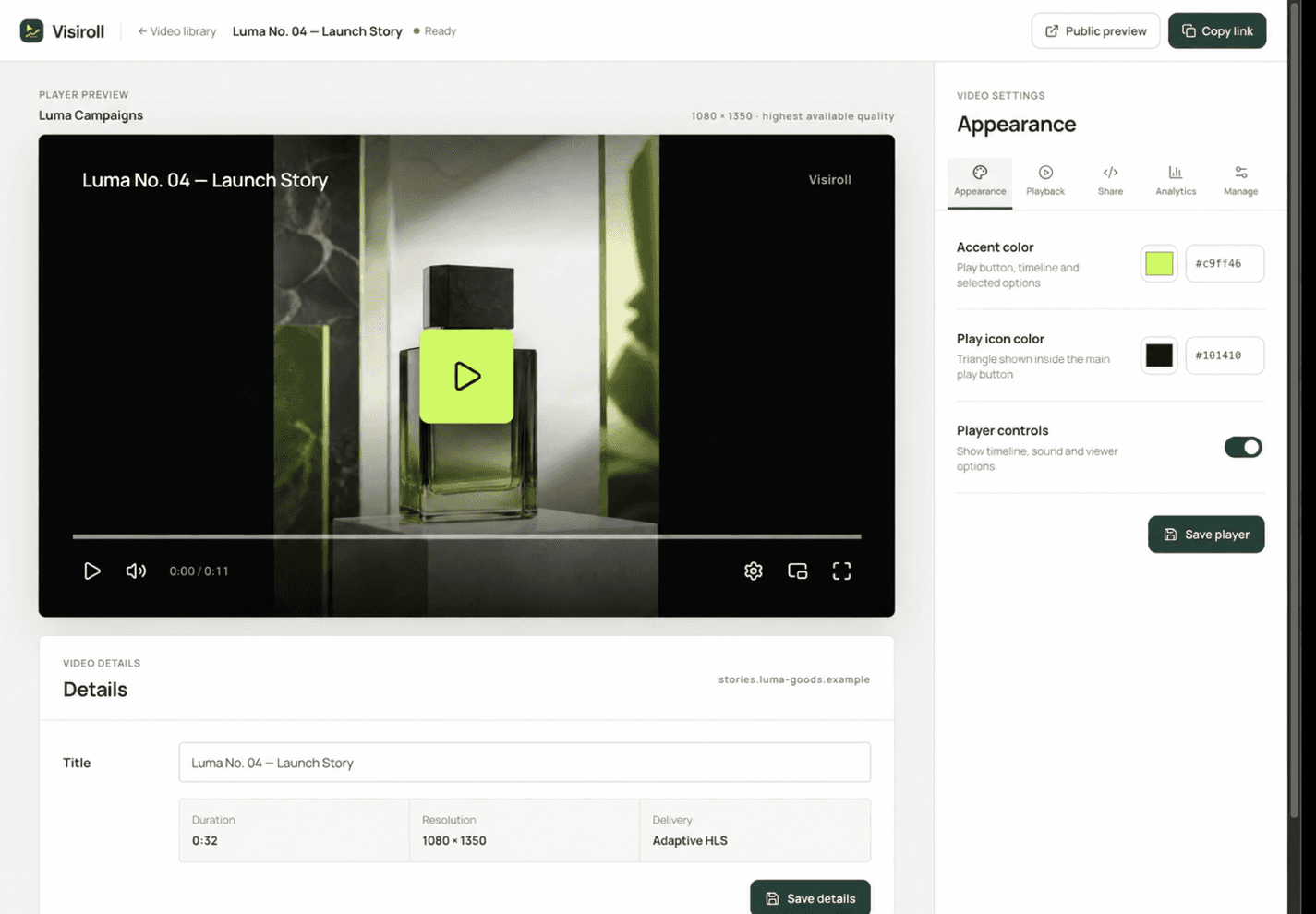
A CLEANER PUBLISHING FLOW
WordPress manages the page.
Visiroll manages the video.
The page keeps a small responsive embed while Visiroll handles processing, playback delivery, player settings, and analytics.
Approve the WordPress production domain and any intentional staging hostname before publishing.
Separate player loads from meaningful starts, then measure watch time, completion, and retention.
FROM UPLOAD TO WORDPRESS
Four steps.
No plugin required.
The generated iframe works in the block editor anywhere your WordPress account is allowed to save unsanitized Custom HTML.
Follow the copy-ready guideUpload the video to Visiroll
Choose its client and website, then wait until processing is complete and the video is Ready.
Approve the WordPress domains
Add the exact production hostname plus separate www or staging variants that genuinely serve the page.
Copy the responsive iframe
Keep the generated dimensions, aspect ratio, permissions and lazy-loading attribute intact.
Paste into a Custom HTML block
Preview the public page at mobile and desktop widths. The editor preview is not always the final playback environment.
WHAT THE EMBED PRESERVES
A player made for
the published page.
Landscape, square, and vertical videos keep their processed aspect ratio. The player can load lazily when offscreen and stays connected to the correct website analytics.
Before you publish
- Use the frontend hostname
- Allow the domain visitors see, not only the WordPress admin address.
- Confirm iframe permission
- WordPress may strip iframe markup for users or plans without the required capability.
- Test the real page
- Check layout, playback, caching, and the site’s Content Security Policy.
TRY IT ON A REAL PAGE
Publish your first WordPress video.
Free includes two videos and one website, so you can test the complete embed before choosing a paid plan.
Create a free workspace