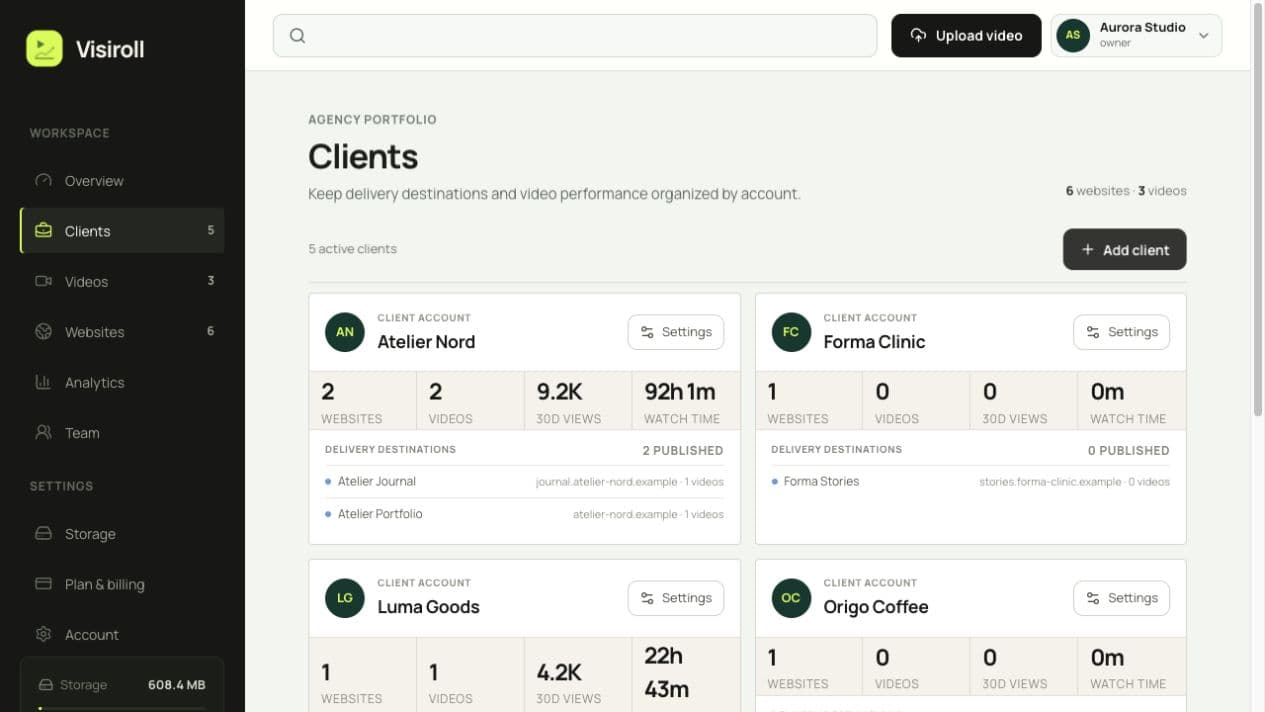
Create clients, attach one or more websites, and keep domains, videos, and reporting separated.
HOW VISIROLL WORKS
From client request to published video.
Organize the client, connect each website, upload one master file, and publish the right player wherever it belongs. The library and reporting stay connected from the start.
ONE CONNECTED WORKFLOW
Less handoff. More publishing.
Visiroll keeps the operational pieces together, so the team always knows which client owns the website, which videos are live, and where the results belong.
Send one private master file. Visiroll validates the source and prepares adaptive streaming automatically.
Choose the destinations, copy the embed, and follow attention across the sites where the video appears.
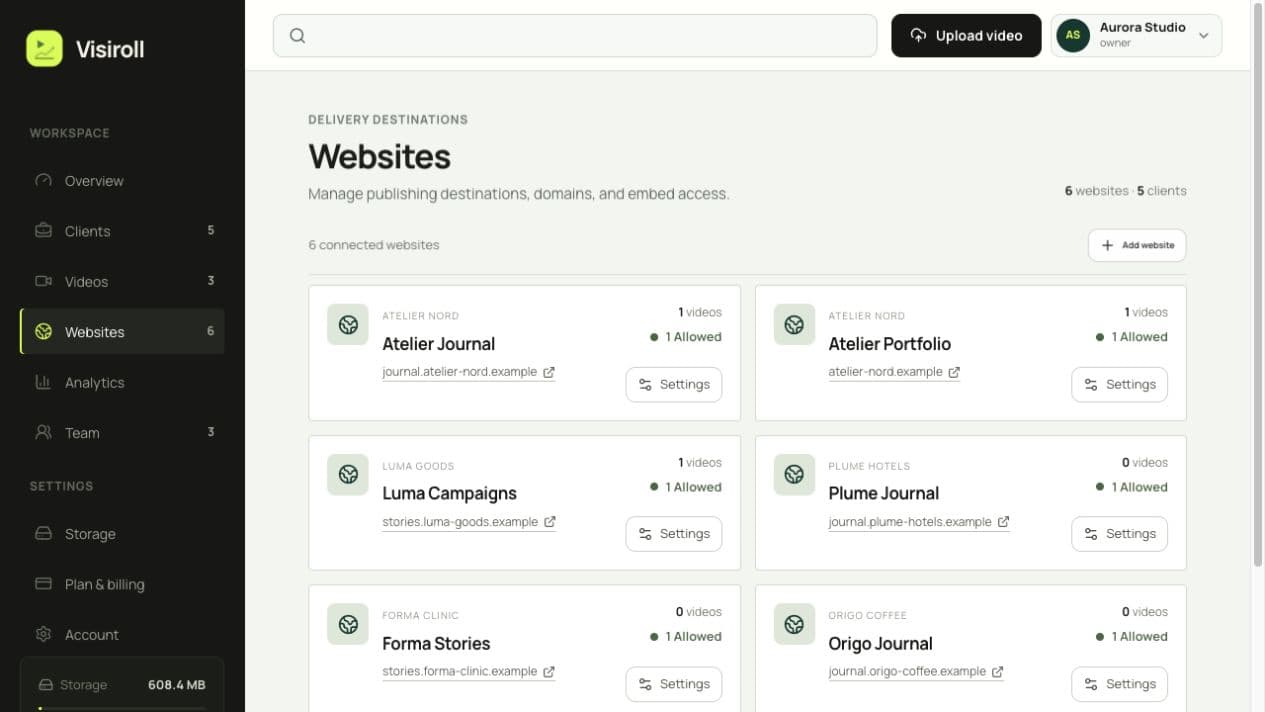
DESTINATIONS STAY ATTACHED
Every website has a clear client, domain, and video count.
Keep each publishing destination connected to its client. Manage approved domains and publish the same video to multiple websites without uploading it again.
THE THREE STEPS
A calm route from file to result.
Each step has a clear owner and a visible status—without spreadsheets or disconnected hosting dashboards.
Explore the platformAdd the client and website
Set the primary domain and any approved staging or wildcard domains before publishing.
Upload and prepare the player
Select the destination, upload the source, then configure the title, poster, branding, and controls.
Embed, monitor, and report
Paste the responsive embed, watch processing and delivery status, then analyze performance in the same workspace.
YOUR NEXT VIDEO
Ready before the next handoff.
Create the workspace, add the first client, and publish a real video.
Start free